
How to change my user password?
Keep your account secure by changing your password periodically.
SecuritySteps to change your password
Section titled “Steps to change your password”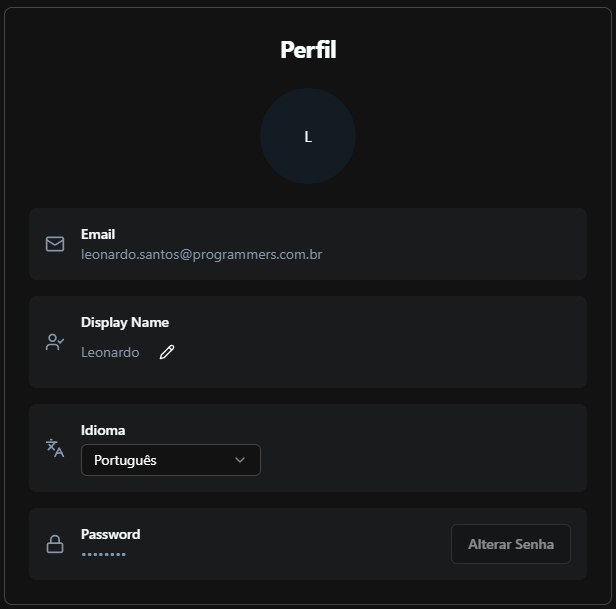
- Access settings
- Click on “Profile”
- Click on “Change Password”
- Enter your new password
- Click on “Save”
Tips
Use a strong password with at least 8 characters, including letters, numbers, and symbols. Never share your password with others. Enable two-factor authentication for enhanced security.
For questions or issues, consult Prodgy support or the official documentation.